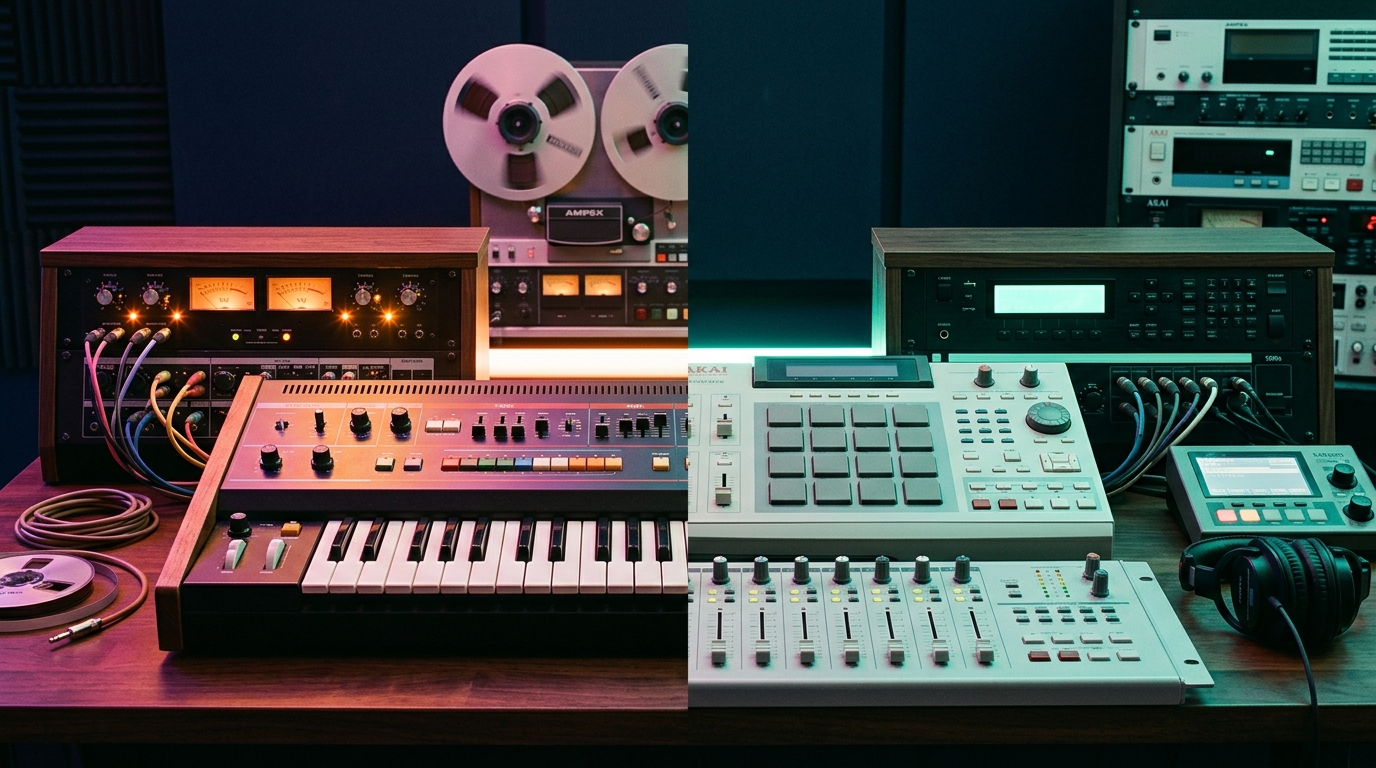

When I first got into music production, I made every rookie mistake: bought Ableton Live Lite, spent hours going down tutorial rabbit holes, and burned cash on gear I didn’t even understand.
If you’re just starting out, save yourself the headache (and money) with these rules:
- You don't need the most expensive equipment to make good music. Today, technically even your iPhone microphones are good enough to capture sound. So, don't go out and purchase the most expensive condenser mic on the market just yet. Start small.
- Hold off on buying a paid Digital Audio Workstation (DAW). Test the waters first with free software like GarageBand (macOS), Cakewalk, or Tracktion Waveform. Make sure you actually enjoy the craft before investing in FL Studio, Logic Pro, or Ableton Live.
- Do not overcomplicate production or arrangement. As a new producer, I often made the mistake of creating a wall of sound, placing too many instruments in the same frequency ranges (causing severe frequency masking). Melodies and countermelodies deserve their own places in your song, so let them shine. Less is more.
- Master stock plugins before buying third-party ones. Modern DAWs already include professional-grade tools. You can't fix a workflow problem you don't understand yet, so challenge yourself to finish at least five full tracks using only native tools before opening your wallet.
- Never pay retail. If you do invest in tools, wait for major sales like Black Friday or summer promos, and prioritize high-value bundles over single plugins.
- Skip expensive studio monitors for now. A solid pair of reference headphones and calibration software will outperform high-end speakers sitting in an untreated bedroom. Treatment matters far more than speaker price tags - save that expense for later. And to note, the goal of reference headphones is to offer a "true" frequency output. Many of the headphones on the market boost the bass or treble frequencies, so consider a set just for more accurate music production.
- Finish your tracks. I can't tell you how many half-baked ideas I left on my 2008 Macbook Pro that will never see the light of day. These tracks are the foundation of your musical voice and perspective. Investing in these "nascent" ideas will propel your future work to even greater heights. Finish your songs, share them, gather feedback, and prioritize volume of output. The growth will follow.
Most bedroom tutorials tell you to throw a standard compressor or static equalizer on the bus. But let's analyze some production-specific gotchas:
- Reverb, reverb as far as the eye can see? Too much reverb causes your tracks to sound like a jarbled mess, "muddy." Learning how to apply reverb in the right way is essential to maintaining the crispness of your track.
- Broadband compression causes audible pumping: A standard compressor clamps down on the entire signal whenever the threshold is breached, suffocating your transient clarity.
- Master limiters distort under crest pressure: Feeding wild, unclipped transient spikes into a limiter forces the lookahead algorithm to squash the whole master.
Explore Austinaux free open-source DSP plugins engineered for transparent modern music production:
Austinaux Free Audio Ecosystem
Free, mastering-grade DSP audio tools engineered for transparent modern music production.
- ✓ Zero subscriptions, zero paywalls, zero telemetry.
- ✓ High-resolution oversampling, spectral carving, and dynamic clipping.
- ✓ Native Apple Silicon (M1/M2/M3/M4) & Windows 10/11 64-bit support.